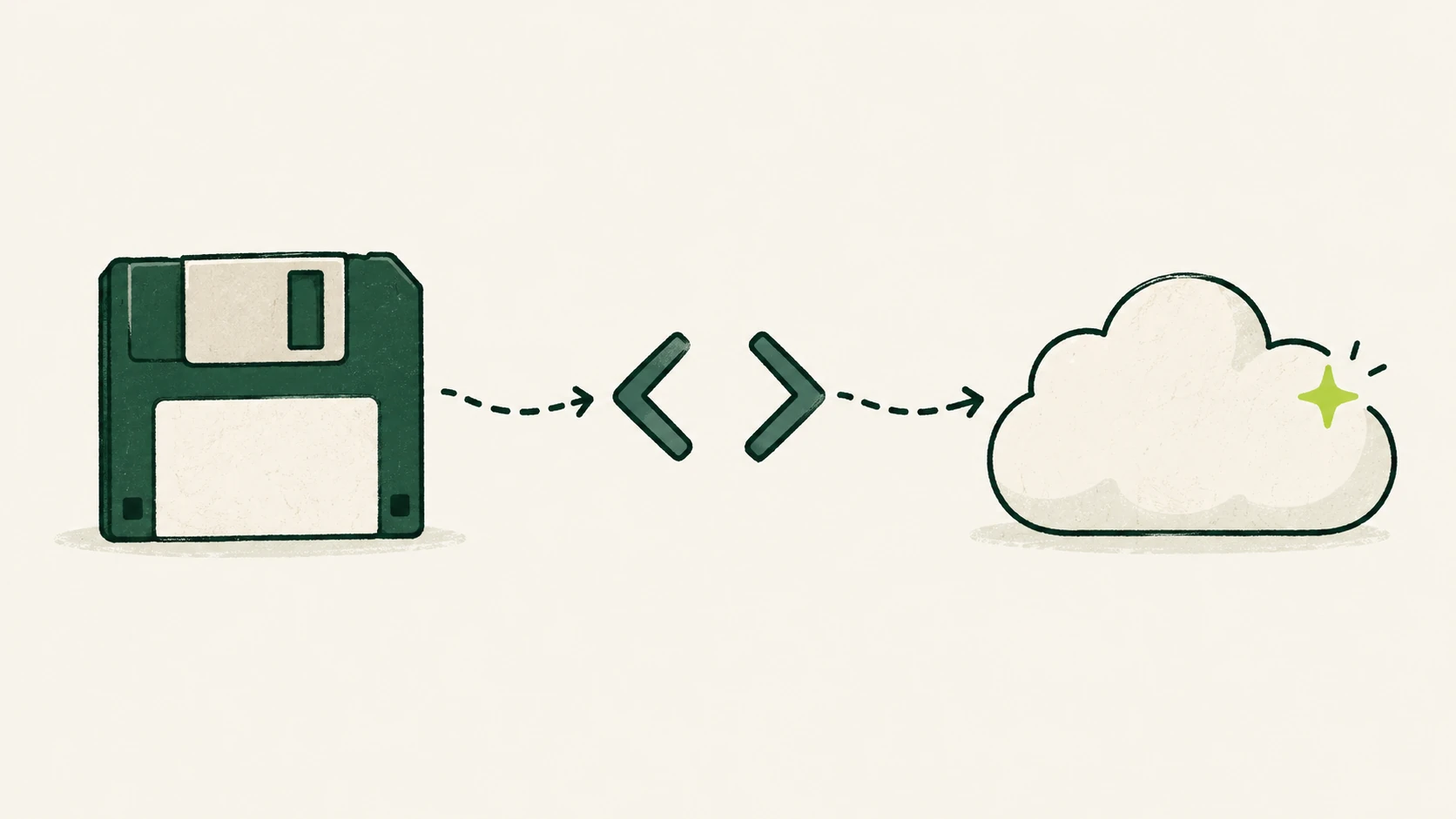
Most businesses run on at least one system nobody wants to touch. It works, mostly. It was built years ago by people who have since moved on. The documentation is thin or out of date, and every change feels like it might break something important.
Replacing it outright is expensive and risky. Leaving it alone gets more expensive every year. AI doesn’t make this dilemma disappear, but it does change the economics, especially in the parts of modernization that used to be the slowest.
The real bottleneck is understanding
When a modernization project runs late, the cause is rarely writing new code. It’s discovering what the old code actually does: the business rules buried in stored procedures, the edge case someone patched in years ago, the batch job that quietly fixes data every night.
This is where AI tools are genuinely useful today:
- Explaining code. Models can read unfamiliar code, including older languages and frameworks, and summarize what a module does in plain language. An engineer still verifies it, but they start from a draft instead of a blank page.
- Mapping dependencies. Combined with static analysis, AI can help build a picture of which parts of the system call which, which tables they touch, and where the risky coupling is.
- Recovering business rules. Asking “what are all the conditions under which an order is put on hold?” across a large codebase is the kind of search-and-summarize task these tools handle well.
- Writing documentation. Turning that understanding into readable documentation, and keeping it current, is cheap enough now that there’s no excuse to skip it.
None of this replaces the people who know the business. It gives them a much faster way to check what the system does against what they believe it does.
Modernize in phases, not all at once
The big-bang rewrite, where you build a new system in parallel and switch over on one date, is where most modernization horror stories come from. A phased approach is slower to start but far safer:
- Wrap the old system. Put a stable interface, such as an API layer, in front of it, so new work talks to the interface rather than to the old internals.
- Pick one slice. Choose a well-understood area with clear boundaries, such as reporting, notifications, or one product line.
- Rebuild that slice behind the interface. Run old and new side by side, compare outputs on real traffic, and switch over only when they agree.
- Repeat. Each slice reduces what’s left of the old system, and the business keeps running throughout.
This pattern is often called the “strangler fig” approach, after the vine that gradually grows around a tree. AI helps at every step: understanding the slice, drafting the replacement, and generating comparison tests.
Tests are the safety net
Old systems often have few automated tests, which is exactly why changing them feels dangerous. Building that safety net is one of the highest-value uses of AI in modernization:
- Characterization tests capture what the system does today, including its quirks, so you can tell immediately if a change alters behavior.
- AI can propose test cases from the code and from recorded inputs and outputs, which engineers review and refine.
- Running the same inputs through old and new versions and comparing results gives you hard evidence, rather than confidence, that a migrated slice behaves the same.
With good tests in place, the rest of the work becomes far less risky, whoever or whatever writes the new code.
AI-generated code still needs engineering
AI can draft a lot of code quickly, including translations from older languages and frameworks to current ones. That’s useful, but it comes with a few rules worth holding firm on:
- Review everything. Generated code can look plausible and still be wrong in subtle ways, especially around error handling, concurrency, and security.
- Let tests decide. Code ships when it passes the agreed tests and review, not because it was generated quickly.
- Don’t translate the mess. A line-by-line translation of a tangled module produces a tangled module in a newer language. Use the move as a chance to simplify where the tests allow.
- Mind your data and access. Agree which code and data can be shared with which tools before you start, in line with your security policies.
Where modernization meets new AI features
Once parts of the system sit behind clean interfaces, adding AI features becomes much easier. A modern API over your order data, for instance, is exactly what an internal assistant or automated workflow needs to connect to. Many teams find that modernization and their first useful AI capabilities end up being the same project, done in the right order.
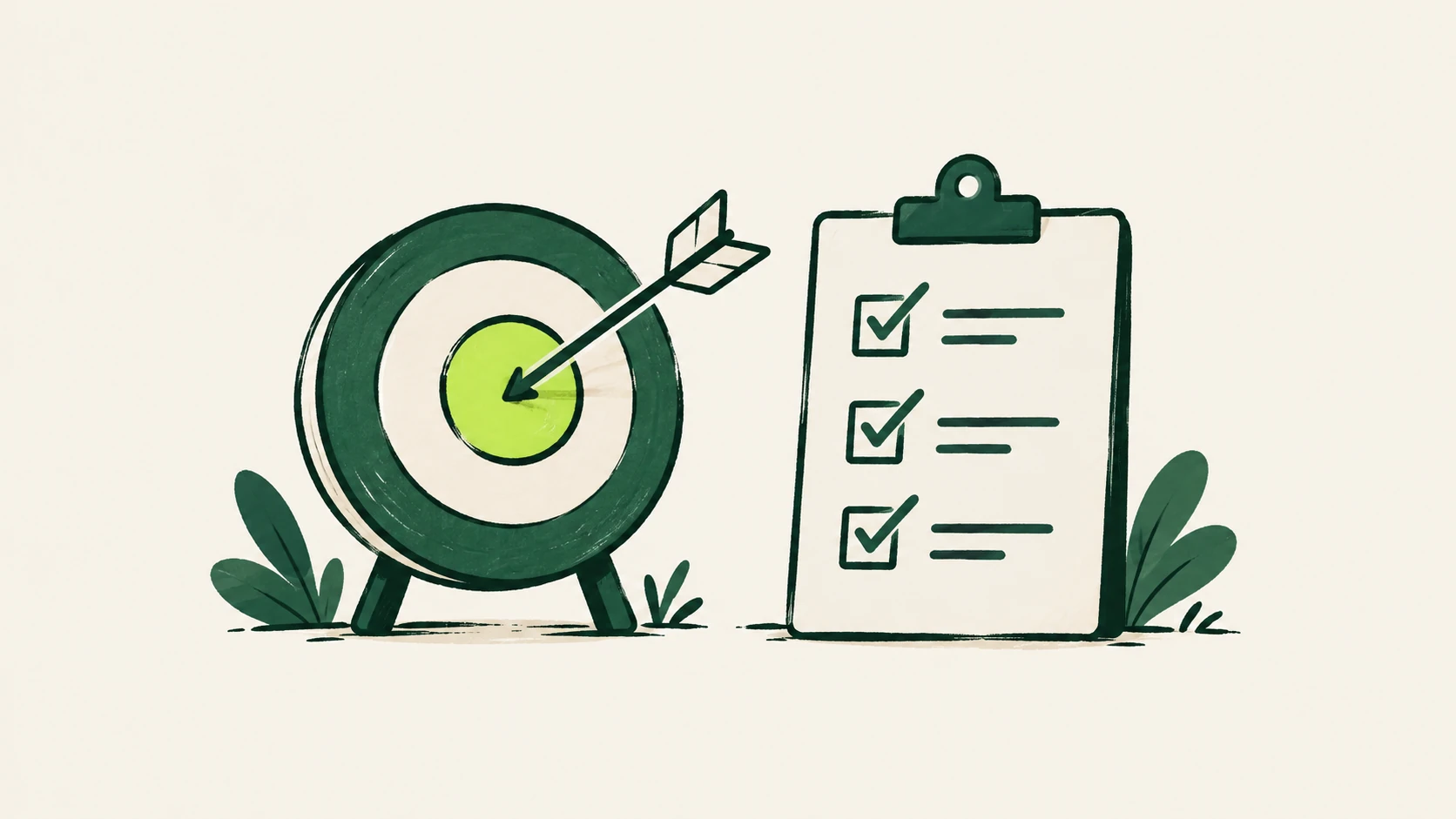
A quick checklist
- Do you have a current, plain-language description of what the system does? If not, start there.
- Is there a stable interface you can put in front of it?
- Have you chosen a first slice with clear boundaries and a clear owner?
- Do you have tests that capture today’s behavior before you change anything?
- Have you agreed how AI tools may access your code and data?
Where to go from here
If you’re weighing up a system that’s become hard to change, our AI-Powered Legacy System Modernization approach starts with exactly this assessment: understanding what you have, then planning phases that keep the business running. For the engineering itself, see App Modernization & Development.